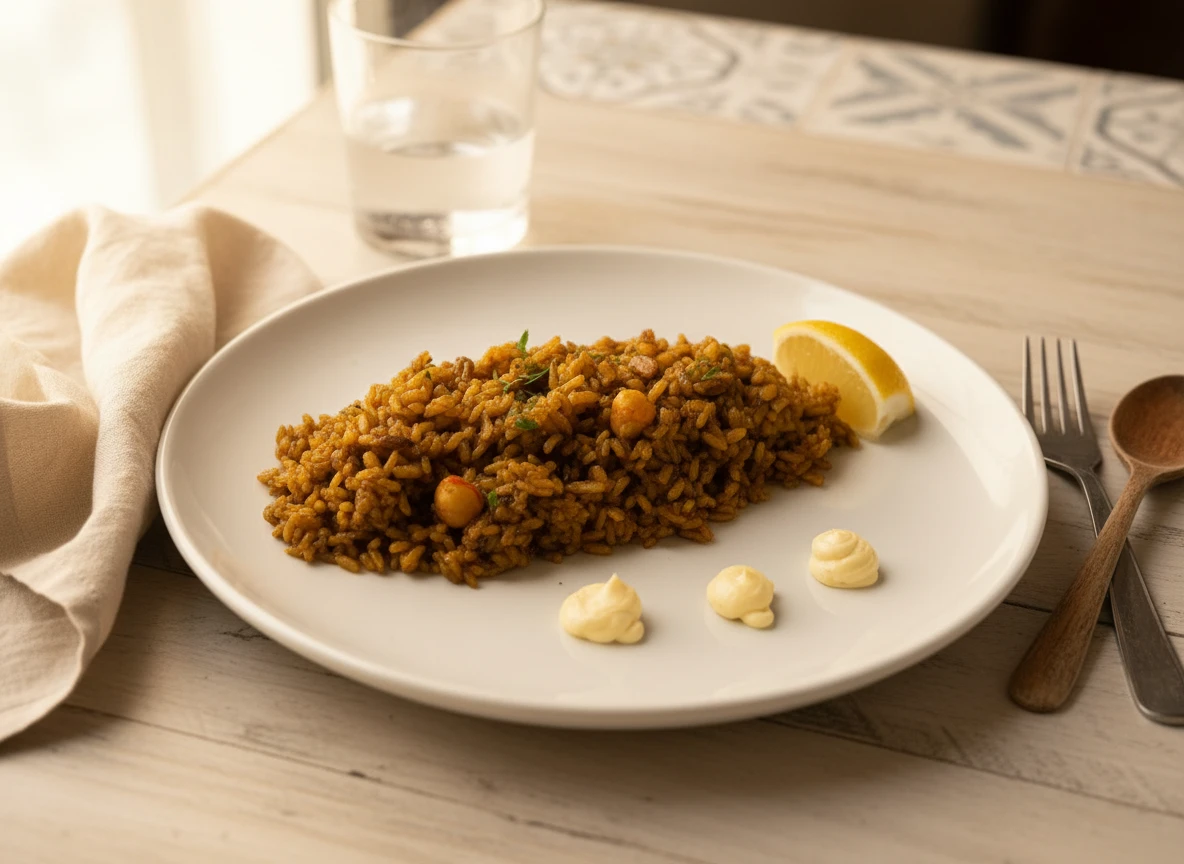
Your food photos on Uber Eats, DoorDash, Glovo, and other delivery apps are the single biggest factor in whether customers order from you or scroll past. In a sea of restaurants, great photos are your competitive edge.
This guide covers everything you need to know: photo requirements for every major platform, exactly how to create images that drive orders, and the most cost-effective ways to get professional-quality delivery app photos.
📊 Why Food Photos Matter on Delivery Apps
- 30% more orders with professional photos vs. poor/no photos
- 65% of customers say photos are the #1 factor in ordering decisions
- Items with photos are ordered 3x more than items without
- First impression happens in under 2 seconds of scrolling
Photo Requirements by Platform
Each delivery platform has specific image requirements. Here's what you need to know:
🍔 Uber Eats Photo Requirements
- Aspect ratio: 1:1 (square) recommended
- Minimum size: 320 x 320 pixels
- Recommended size: 1080 x 1080 pixels or higher
- File format: JPEG or PNG
- Max file size: 10 MB
- Best practices: Center the food, clean backgrounds, no text overlays
🚗 DoorDash Photo Requirements
- Aspect ratio: 16:9 (landscape) for header, 1:1 for menu items
- Minimum size: 320 x 320 pixels
- Recommended size: 1920 x 1080 (header), 1080 x 1080 (items)
- File format: JPEG, PNG
- Max file size: 5 MB
- Best practices: High contrast, vibrant colors, good lighting
🛵 Glovo Photo Requirements
- Aspect ratio: 1:1 (square) or 4:3
- Minimum size: 600 x 600 pixels
- Recommended size: 1200 x 1200 pixels
- File format: JPEG, PNG
- Max file size: 8 MB
- Best practices: Consistent style across menu
🍟 Just Eat / Grubhub Photo Requirements
- Aspect ratio: 4:3 or 1:1
- Minimum size: 600 x 450 pixels
- Recommended size: 1200 x 900 pixels
- File format: JPEG, PNG
- Max file size: 5 MB
- Best practices: Well-lit, appetizing presentation
🦘 Deliveroo Photo Requirements
- Aspect ratio: 1:1 (square)
- Minimum size: 500 x 500 pixels
- Recommended size: 1000 x 1000 pixels or higher
- File format: JPEG, PNG
- Max file size: 10 MB
- Best practices: No logos, no text, focus on food
📋 Quick Reference: All Platforms
What Makes Great Delivery App Photos?
Technical requirements are just the baseline. Here's what actually makes customers click "Order":
1. Bright, Even Lighting
Delivery apps display images as small thumbnails. Dark photos disappear in the scroll. Use natural light or bright artificial light to make your food pop. Avoid harsh shadows.
2. Appetizing Colors
Color is processed by the brain before we even read the dish name. Make colors vibrant but natural. Avoid overly saturated edits that look fake.
3. Clean, Simple Backgrounds
Busy backgrounds compete with the food. Use neutral surfaces—wood, marble, slate, or solid colors. The food should be the star.
4. Proper Framing
Fill the frame with food—but leave a little breathing room. Center your dish for delivery apps since images are often cropped. Avoid cutting off parts of the dish.
5. Consistency Across Menu
Your menu should look cohesive. Use similar lighting, backgrounds, and styling for all items. Inconsistent photos look unprofessional and reduce trust.
6. Show What Customers Get
Photos should accurately represent what arrives. Don't mislead—overstyled photos that don't match reality lead to poor reviews and refund requests.
Common Delivery App Photo Mistakes
Avoid these errors that hurt your conversions:
❌ Dark photos: Can't see the food properly at thumbnail size
❌ Text on images: Most platforms prohibit text; looks unprofessional
❌ Logos/watermarks: Against platform guidelines; distracts from food
❌ Wrong aspect ratio: Photos get cropped awkwardly, cutting off food
❌ Stock photos: Against ToS; customers feel deceived
❌ No photos at all: Items without images are ordered 70% less
❌ Inconsistent style: Makes menu look chaotic and unprofessional
How to Create Great Delivery App Photos
You have several options for getting quality food photos:
Option 1: Platform Photography Programs
What: Some platforms offer photography services to restaurant partners
Cost: Often free or subsidized
Pros: No cost, optimized for platform
Cons: Long wait times, limited availability, basic results
Option 2: Hire a Professional Photographer
Cost: $1,500-$5,000+ per shoot
Pros: Premium quality, custom styling
Cons: Expensive, time-consuming, can't easily update
Option 3: DIY + AI Enhancement (Recommended)
Cost: $9.99-$39.99/month
Pros: Affordable, fast, unlimited updates, professional results
Cons: Requires basic photography effort
For most restaurants, Option 3 offers the best balance of quality, cost, and flexibility. Here's why:
- Delivery apps display images at small sizes—AI-enhanced photos perform as well as expensive professional shots
- You can update photos instantly when dishes change
- Consistent styling across your entire menu
- Multiple aspect ratios for different platforms in one click
Step-by-Step: Creating Delivery App Photos with AI
Here's the exact workflow to create professional delivery app photos:
Your Workflow
-
Step 1: Set Up Your Shot
Position dish near window, use white surface or simple background -
Step 2: Take the Photo
Use your smartphone, shoot from 45° or top-down, fill the frame -
Step 3: Upload to AI Tool
Use Platora or similar—select your preferred style -
Step 4: Select Platform Preset
Choose Uber Eats, DoorDash, or custom aspect ratio -
Step 5: Download & Upload
Get your enhanced image and add to your delivery listings
Total time per dish: 2-5 minutes
Optimizing Your Menu Photos
Strategic thinking about which items to photograph first:
Priority 1: High-Margin Items
Your most profitable dishes deserve the best photos. Better visibility → more orders → more profit.
Priority 2: Signature Dishes
Your unique, famous, or best-reviewed items. These photos represent your brand.
Priority 3: Visual Appeal
Some dishes photograph better than others. Colorful, textured, layered items catch eyes.
Priority 4: Everything Else
Even basic items should have photos. Items without images are ordered significantly less.
Measuring Photo Impact
Track these metrics before and after updating photos:
- Click-through rate: How often your listing is clicked
- Conversion rate: Clicks that become orders
- Item performance: Orders per dish before/after new photos
- Average order value: Often increases with better photos
- Customer ratings: "Looked as expected" feedback
Most restaurants see meaningful improvement within 2-4 weeks of updating photos.
Photo Maintenance Schedule
Keep your delivery listings fresh:
Key Takeaways
- ✅ Every menu item needs a photo—items without images are ordered 70% less
- ✅ Use the right dimensions—each platform has specific requirements
- ✅ Prioritize lighting and color—they matter most at thumbnail size
- ✅ Maintain consistency—cohesive menus look more professional
- ✅ AI enhancement is cost-effective—professional results at fraction of cost
- ✅ Update regularly—fresh photos keep your listings competitive
Conclusion
Your food photos are your silent salespeople on delivery apps. In a crowded marketplace where customers scroll through dozens of options, great photos are your competitive advantage.
The good news: you don't need to spend thousands on professional photography to compete. With the right approach—understanding platform requirements, using proper lighting, and leveraging AI enhancement tools—you can create delivery app photos that drive real results.
Start with your best-selling items, measure the impact, and expand from there. Your customers are hungry—make sure your photos make them choose you.