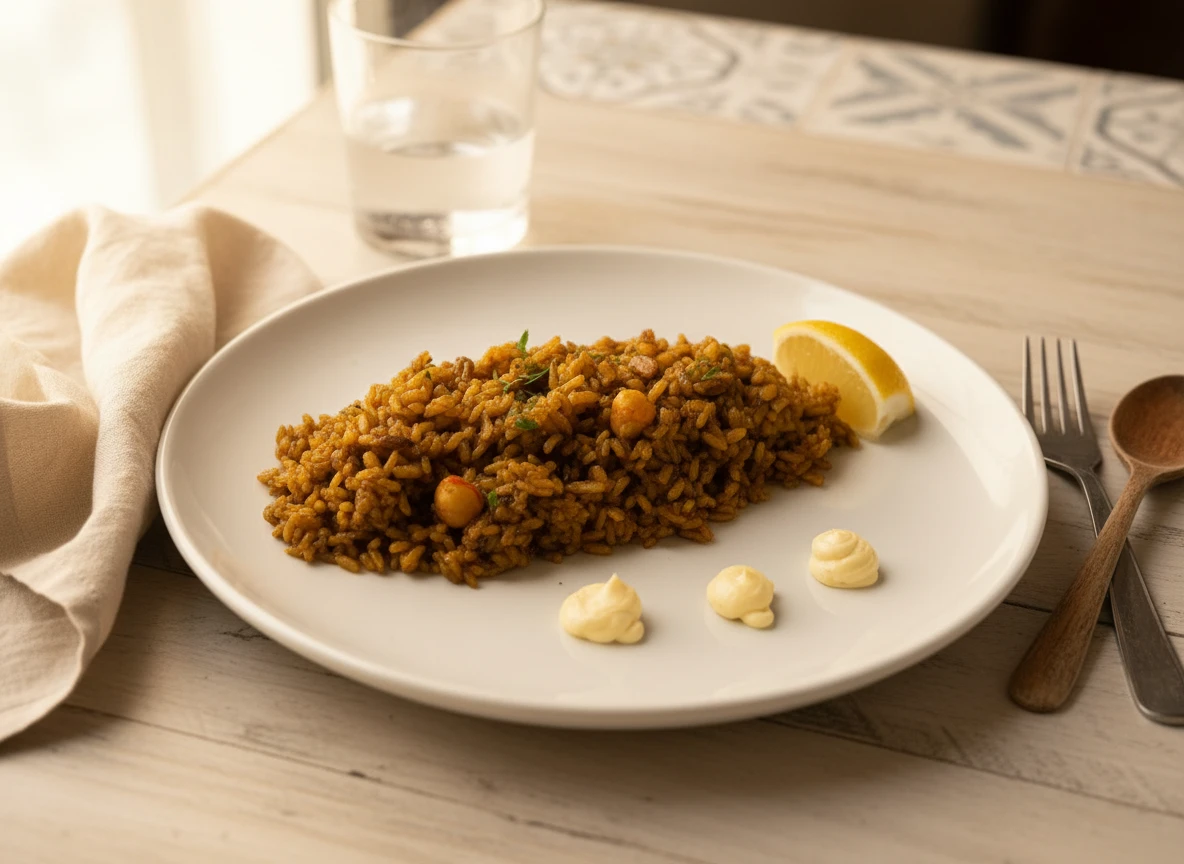
AI food photography is transforming how restaurants, cafes, and food businesses create the images that sell their dishes. Instead of booking a professional photographer, renting studio time, or struggling with DIY lighting setups, restaurant owners can now upload a simple photo of their dish and receive a professionally styled, beautifully lit image in seconds.
The results have been remarkable. Restaurants using AI-enhanced food photos on delivery platforms report significant increases in click-through rates and orders. Social media posts with AI-polished images consistently outperform those with unedited smartphone shots. And all of this happens at a fraction of the cost of traditional food photography.
But how does AI food photography actually work? When should you use it instead of hiring a professional? And what should you look for in an AI food photography tool? This guide covers everything you need to know.
How AI Food Photography Works
AI food photography uses machine learning models trained on millions of professional food images to understand what makes a food photo look appealing. These models learn the principles of lighting, composition, color balance, background styling, and plating presentation that professional food photographers spend years mastering.
The process is straightforward:
- Upload your photo: Take a photo of your dish using your smartphone. It doesn't need perfect lighting or a special background — a well-lit, clear shot of the food is all you need.
- AI processes the image: The AI analyzes your photo, identifying the dish, its colors, textures, and composition. It then applies professional-grade enhancements — adjusting lighting to create depth, correcting colors to make ingredients look vibrant and appetizing, refining the background, and optimizing the overall composition.
- Receive your enhanced output: Within seconds, you get a polished, professional-looking food photo ready to use on your menu, delivery platforms, website, or social media. Many tools offer multiple style variations so you can choose the look that best fits your brand.
The key advantage is that AI doesn't just apply a filter. It understands food photography specifically — it knows that warm tones make pastries look more inviting, that side lighting creates appealing shadows on textured dishes, and that clean backgrounds keep the focus on the food. This specialized knowledge is what separates AI food photography tools from generic photo editors.
Benefits of AI Food Photography for Restaurants
Restaurants are adopting AI food photography at a rapid pace, and the reasons go beyond just saving money. Here are the core benefits driving this shift:
Dramatic Cost Savings
A professional food photography session for a full menu can cost anywhere from $1,500 to $10,000+, depending on the photographer, stylist, and number of dishes. AI food photography tools typically cost $10-$50 per month for unlimited or high-volume usage — meaning you can photograph your entire menu for less than the cost of a single professional shot. For a detailed breakdown of traditional costs, see our guide on food photography costs in 2026.
Speed and Convenience
With traditional photography, you need to schedule a shoot, prepare every dish, set up lighting, and then wait for editing and delivery — a process that can take days or weeks. AI food photography delivers results in seconds. When you add a new dish to your menu, you can have a professional photo ready before the end of the day. This speed is especially valuable for restaurants that update their menus frequently or run seasonal specials.
Visual Consistency Across Your Menu
One of the biggest challenges with food photography is maintaining a consistent look across dozens of menu items, especially when photos are taken at different times or by different people. AI tools apply the same style, lighting, and color treatment to every image, giving your entire menu a cohesive, professional appearance. This consistency matters — customers notice when some photos look polished and others look like afterthoughts.
No Scheduling or Coordination Required
Forget about coordinating with photographers, stylists, and kitchen staff. With AI food photography, you control the entire process. Snap a photo when the dish looks its best, upload it on your own schedule, and download your enhanced images whenever you need them. This independence is particularly valuable for busy restaurant owners who can't afford to dedicate half a day to a photoshoot.
Accessible to Every Budget
Before AI, small restaurants and new food businesses often had to choose between expensive professional photography and low-quality DIY shots. AI food photography eliminates this gap. A small taco stand and a fine dining restaurant can both access professional-quality imagery at the same affordable price point.
AI Food Photography vs Professional Photography
AI and professional photography aren't necessarily competitors — they serve different needs. Understanding when to use each approach will help you make the smartest investment for your business.
When AI Food Photography Is the Better Choice
- Menu and delivery platform photos: These need to look professional but don't require artistic uniqueness. AI excels here, producing clean, appetizing images at scale.
- Regular social media content: Restaurants that post daily or weekly need a steady stream of quality images. AI makes this sustainable without draining your budget.
- Frequent menu changes: If you rotate dishes often, paying for a photographer every time isn't practical. AI lets you photograph new items the moment they're ready.
- Tight budgets: When every dollar counts, AI delivers 90% of the quality at 5% of the cost.
When Professional Photography Is Worth the Investment
- Brand campaigns and advertising: High-stakes marketing materials benefit from the unique creative vision a professional photographer brings.
- Magazine features and press: Editorial photography requires a specific artistic style and custom compositions that AI can't replicate.
- Restaurant interior and lifestyle shots: Photos that include people, ambiance, and context are still best captured by a professional.
- Cookbook or product packaging: Print materials demand the highest resolution and most precise art direction.
Many successful restaurants use a hybrid approach: AI tools handle the everyday photography needs, while professional photographers are brought in once or twice a year for major campaigns and brand-defining imagery.
AI Food Photography vs DIY Photography
If you've been taking your own food photos with your smartphone, you already know the struggle. Inconsistent lighting, cluttered backgrounds, colors that don't match how the dish looks in person — DIY food photography has a steep learning curve. For tips on improving your DIY shots, check out our professional food photography tips.
Here's how AI compares to the DIY approach:
| Factor | DIY Photography | AI Food Photography |
|---|---|---|
| Equipment Needed | Camera, lights, backgrounds, props | Smartphone only |
| Setup Cost | $300 - $3,500 | $0 - $50/month |
| Time per Photo | 15-45 minutes | Under 1 minute |
| Learning Curve | Weeks to months | Minutes |
| Consistency | Varies with skill level | Automatically consistent |
| Quality Ceiling | Depends on skill | Professional-grade |
| Editing Required | Yes, manual post-processing | No, handled automatically |
The biggest advantage of AI over DIY isn't just quality — it's time. A restaurant owner who spends 20 hours shooting and editing menu photos could achieve better results in under an hour with an AI tool. That's 19 hours back to focus on running the business.
What Makes a Good AI Food Photography Tool
Not all AI food photography platforms deliver the same results. Here are the features that separate the best tools from mediocre ones:
- Food-specific training: The AI should be trained specifically on food imagery, not just general photo enhancement. Generic AI editors don't understand how to make a steak look juicy or a salad look fresh — food-specific models do.
- Multiple style options: Different dishes and different platforms call for different looks. A good tool offers various backgrounds, lighting styles, and compositions so you can match your brand aesthetic.
- High-resolution output: Your enhanced images should be high enough resolution for print menus, not just social media. Look for tools that output at least 2000px on the longest side.
- Speed: Processing should take seconds, not minutes. If you're photographing a 40-item menu, waiting 5 minutes per image isn't practical.
- Natural-looking results: The best AI enhancements are invisible. The food should look real and appetizing — not over-processed, cartoonish, or obviously AI-generated.
- Easy export and integration: You should be able to download images in the formats and sizes you need for your website, delivery apps (Uber Eats, DoorDash, Grubhub), and social media platforms.
Platora, for example, is built specifically for restaurant and food business photography. It focuses on producing natural, appetizing images that work across menus, delivery platforms, and social media — without the over-processed look that some general-purpose AI editors produce.
Common Concerns About AI Food Photography
As with any new technology, restaurant owners have questions and concerns about using AI for their food photos. Let's address the most common ones:
"Will the photos look fake or over-processed?"
This was a valid concern with early AI tools, but the technology has matured significantly. Modern AI food photography platforms produce results that are virtually indistinguishable from professional photography. The key is choosing a tool that prioritizes natural-looking output over flashy effects. Your customers should feel hungry when they see the photo, not suspicious.
"Is it honest to use AI-enhanced food photos?"
AI food photography enhances the presentation of your real dishes — it doesn't create food that doesn't exist. This is exactly what professional food photographers and stylists have done for decades: they use lighting, angles, and styling techniques to make real food look its best. AI simply automates that process. As long as the dish in the photo is the dish your customers receive, AI enhancement is no different from professional styling.
"Will the quality be good enough for print menus?"
Yes, most quality AI food photography tools output images at resolutions suitable for print. For physical menus, table tents, and promotional materials, look for a tool that delivers images at 300 DPI or higher. For digital use (websites, delivery apps, social media), even lower-resolution outputs will look sharp and professional.
"What if the AI changes how my food looks?"
Good AI food photography tools enhance your food's presentation without altering the food itself. The colors of ingredients, the plating arrangement, and the dish composition remain faithful to the original. What changes are the environmental factors — lighting quality, background, shadows, and overall polish. Your fettuccine alfredo will still look like your fettuccine alfredo, just photographed as if a professional set up studio lighting around it.
How to Get the Best Results with AI Food Photos
While AI does most of the heavy lifting, the quality of your input photo still matters. Follow these tips to get the best possible output from any AI food photography tool:
- Use good natural light when possible: Even though AI will enhance the lighting, starting with a well-lit photo gives the AI more detail to work with. Position your dish near a window or in a well-lit area of your kitchen.
- Keep the background simple: A cluttered background forces the AI to work harder and can produce less natural results. A clean countertop or plain surface works best as your starting point.
- Shoot from a flattering angle: Overhead (top-down) works well for flat dishes like pizzas and salads. A 45-degree angle is ideal for dishes with height, like burgers or stacked entrees. Side angles showcase layered dishes and drinks.
- Capture the dish at its peak: Food looks best right after plating. Ice cream melts, sauces congeal, and steam disappears quickly. Take your photo within the first minute or two of plating for the most appetizing starting point.
- Fill the frame: Get close enough that the dish takes up most of the image. AI can enhance backgrounds, but if the food is a tiny speck in the center of a huge frame, there's less to work with.
- Ensure the photo is in focus: AI can enhance lighting and color, but it can't fix a blurry photo. Tap on the dish on your phone screen to make sure it's in sharp focus before snapping the shot.
- Wipe the plate edges: A quick wipe of any sauce drips or smudges on the plate rim before shooting makes a noticeable difference in the final result.
For more detailed techniques on capturing great food photos, our food photography tips guide covers everything from composition rules to styling tricks that work beautifully with AI enhancement.
Conclusion
AI food photography has moved from experimental technology to a practical, everyday tool that thousands of restaurants rely on. It delivers professional-quality food images at a fraction of the cost and time of traditional photography, making great food imagery accessible to every restaurant — from neighborhood cafes to multi-location chains.
For most restaurants, the ideal approach is straightforward: use AI food photography for your menu, delivery platforms, and regular social media content, and invest in a professional photographer for once-a-year brand campaigns or major launches. This hybrid strategy gives you the best of both worlds — consistent, affordable everyday imagery and stunning, unique photos for your biggest moments.
If you haven't tried AI food photography yet, there's never been a better time to start. Tools like Platora make it easy to transform your existing food photos into professional, mouth-watering images that drive more orders and build your brand — no photography skills required.